Step 1 - Theme Options
To begin customizing your site go to Appearance -> Customizer and select Theme Options. Here's you'll find custom options to help build your site.



To begin customizing your site go to Appearance -> Customizer and select Theme Options. Here's you'll find custom options to help build your site.
To add a slider go to Theme Options -> Homepage and choose page slider. The slider will use the page title, excerpt and featured image for the slides.
To add featured content go to Theme Options -> Homepage (Featured) and turn the switch on then add the content you want for each section.
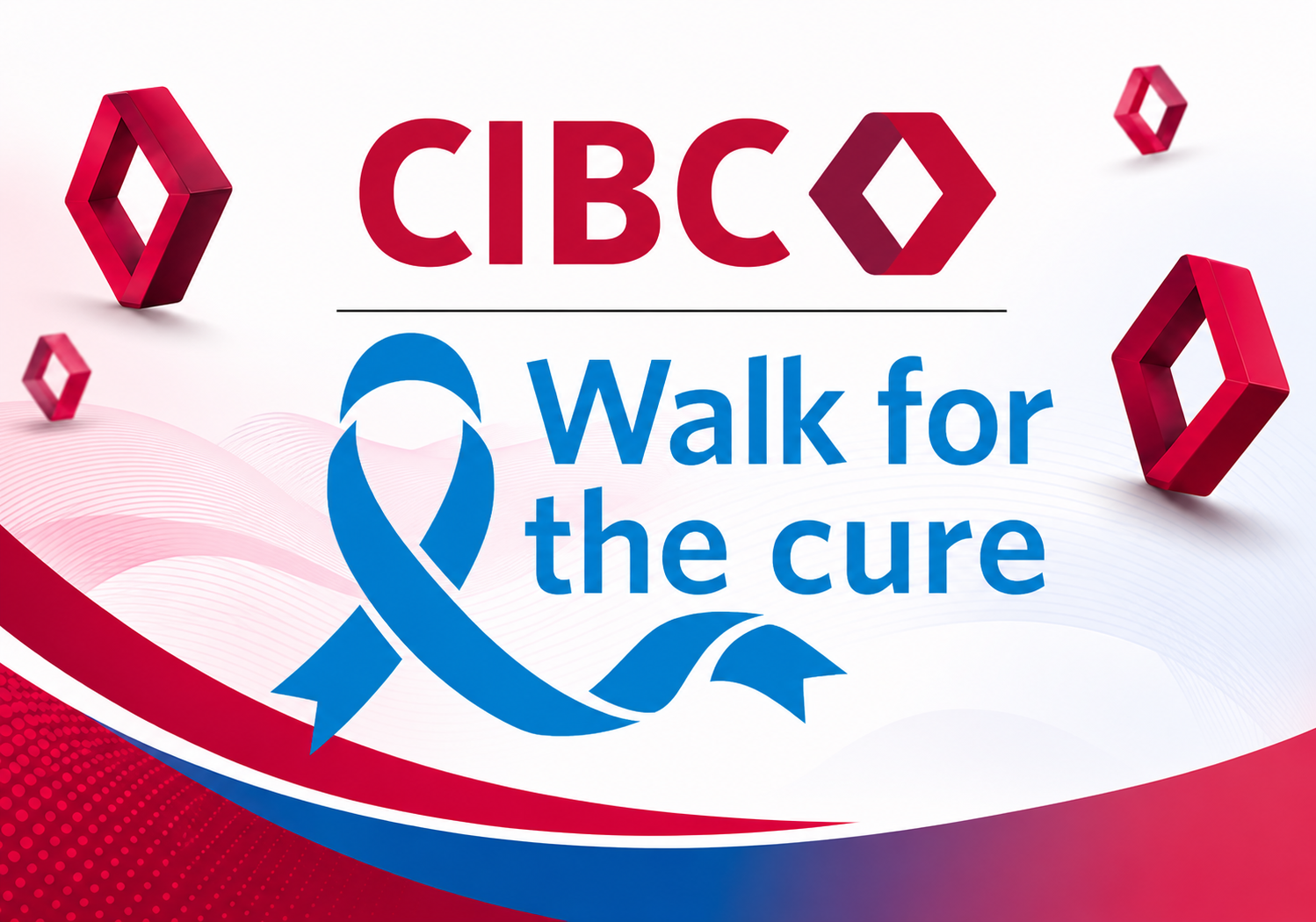
We have exciting changes just for you this year, The 2026 edition of the CIBC Walk For The Cure will be held on Sunday October 18 at 6:00 am. This is a departure from our usual Saturday afternoon event. Come take advantage of the cool morning Savannah breezes
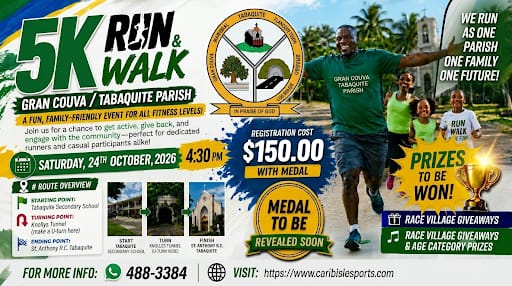
The Gran Couva, Tabaquite Parish's Second Annual 5K is on! Take a drive to this serene and picturesque area but don't underestimate it. Last year, recording artiste Ding Dong came through and gave us a concert performance. Who will be this year's special guest? Register now!
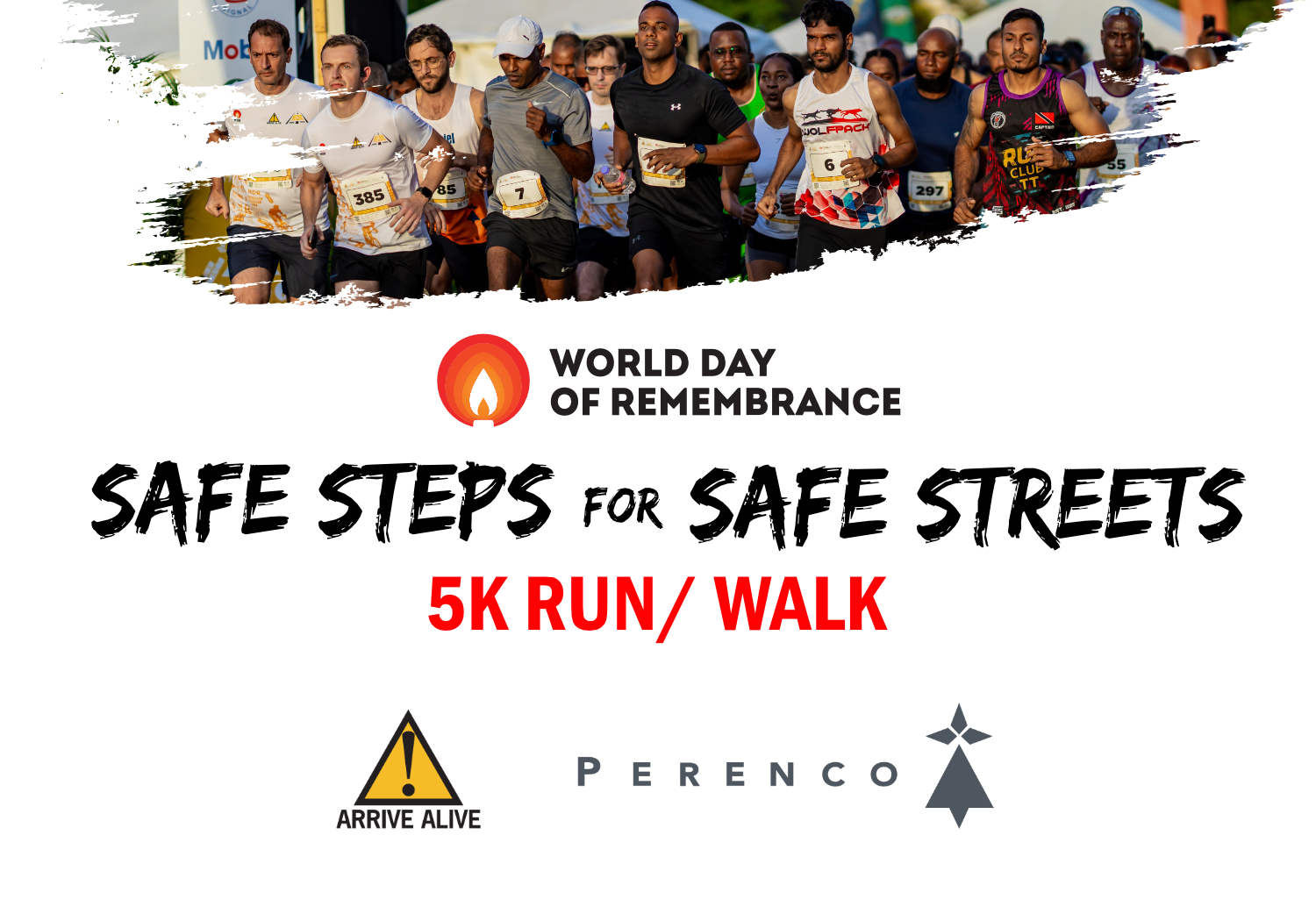
Lace up your sneakers and join us on November 15 at the QPS for an unforgettable 5K walk/run! Every step you take supports life-saving road safety awareness across Trinidad and Tobago. Secure your spot today, grab your commemorative race tshirt, and let's cross the finish line together!
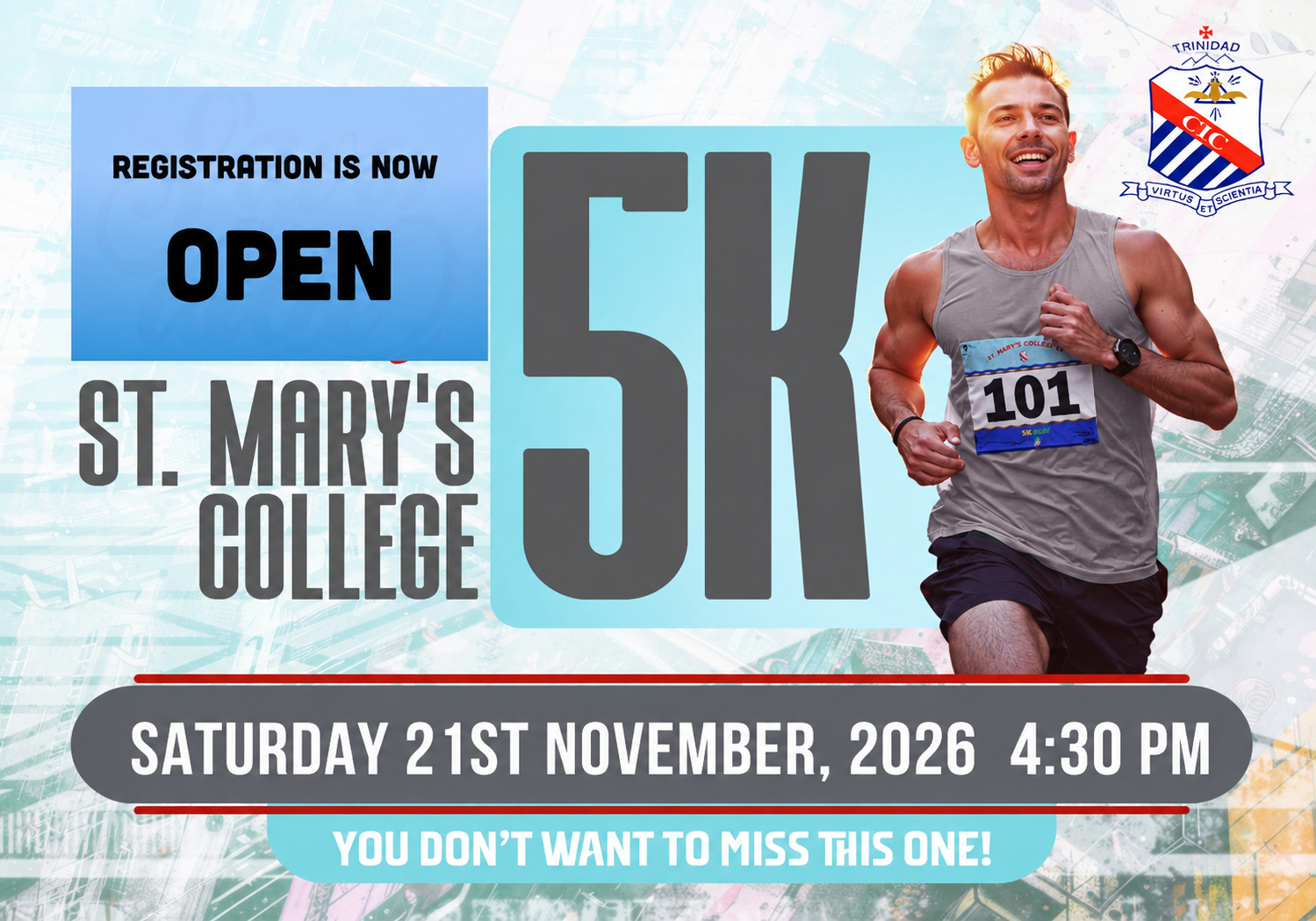
Its back with a bang! St. Mary's College staff and teachers welcomes you all back to our annual 5K. This year, we want to take it up a notch, as we have new tshirts on offer and an improved race village. Check it out here and register early. Adults $150, Children(non students)under 19- $130.

Looking for your results from a recent Carib Isle Sports timed event? Click on the link below or look at the bar above for RESULTS to get you to the results you want.